Collaboration 7
by Wildix1.0K
users
Published
October 17, 2025
Screenshots


Description
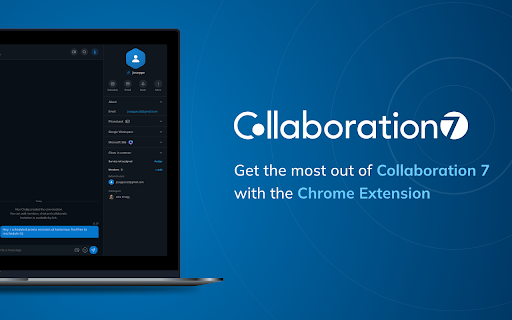
Work smarter, not harder with Collaboration 7, the unified communications platform, designed to engage teams, prospects and customers while boosting business efficiency.
Use the Collaboration 7 Chrome extension as a shortcut to:
Quickly initiate calls and start conversations from a web page
Create and join Collaboration 7 meetings directly from Google and Microsoft 365/Outlook calendars
Easily find an open Collaboration 7 tab by clicking on the extension icon in the Chrome toolbar
To use the extension, you must have an account on a Wildix PBX and access to the Collaboration 7 platform. Here’s just a short list of what you can do with Collaboration 7 on desktop and mobile:
Easily access video and audio calls, and messaging
See your colleagues’ presence status
Set up meetings through Google and Microsoft 365 calendars
View call history of received, missed and dialed calls
Engage in real-time communication with team members and customers
Get the Collaboration 7 Chrome extension and enjoy increased efficiency with an all-in-one business communication hub for chat, calls and meetings with colleagues and customers.