Apple Music(iTunes) Web Player
by AdBhuT Extensions4.8
10 reviews
1.0K
users
Published
September 7, 2025
Screenshots

Description
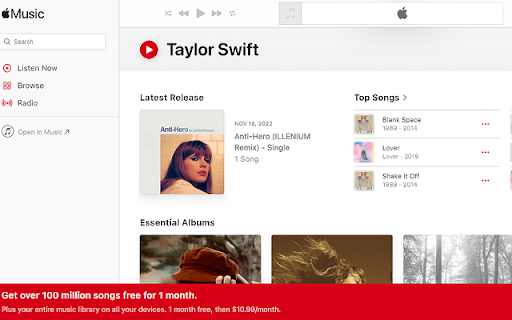
Apple Music(iTunes) Web Player Extension. Search & play music from Apple Music using Google site search directly from chrome omnibox (search box).
This is Apple Music player search that allows the user seamlessly search track, albums, artists while surfing the web by navigating to the Apple Music(iTunes) user interface.
How to Use
1.First open Apple music web player(https://music.apple.com/). Keep it logged in to search and play music seamlessly directly from chrome omni box.
2. Now you can click extension icon to launch search or use omnibox and type "ams" enter tab key and type to search the track of your choice.
3. When you find the track , music or song you were looking for just click the link.
4. If you are already logged into Apple music(iTunes) you will be able to play it asap else you will be asked to log in.
5. Enjoy Searching Apple music(iTunes).
To provide this functionality extension takes over you default search for seamless experience..
Updates log version 1.1: New updated extension logo and Google search suggestions for an improved song search experience.