Nearpod Reverse
by SpaceSaver5.0
2 reviews
72
users
Published
June 24, 2023
Screenshots
Description
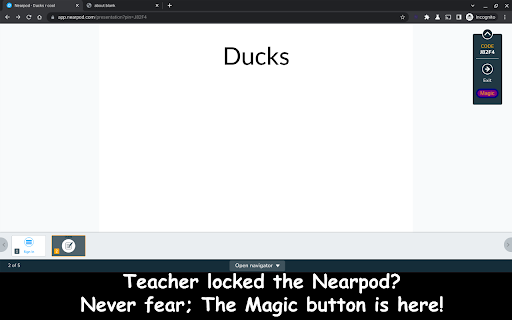
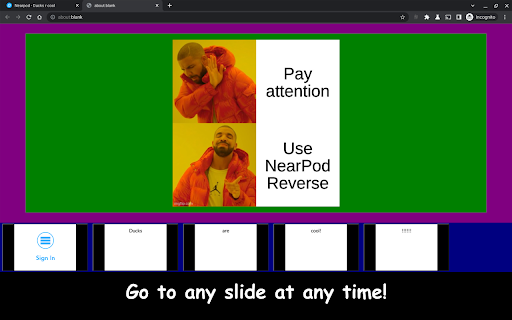
Teacher going too fast? Need to back up to answer the question? Well, this unofficial app can help you out! By simply clicking on the drop down menu in a Nearpod presentation and then selecting the "Magic" button, you can view all the slides in the presentation! Never feel left behind again, nor embarrass yourself, asking for the teacher to go back to a slide. Do it yourself with Nearpod Reverse!
Add to Chrome
Quick Info
- Version
- 0.0.1
- Size
- 69.43KiB
- Price
- Free
- Type
- Extension
Categories
Languages
English (United States)