Enigma, ChatGPT Sidebar
by Enigma Labs3.7
6 reviews
107
users
Published
May 27, 2023
Screenshots


Description
⭐⭐Now chat with any PDF file. Upload your documents, papers, or assignments and ask any questions about them!
Access ChatGPT everywhere with the Enigma extension!
⭐Open the sidebar using ctrl+alt+j (ctrl+cmd+j on MacOS) or clicking on the Enigma icon at the bottom left corner of the screen.
⭐Easily Draft content for blogs and social media with the new "Compose" tab.
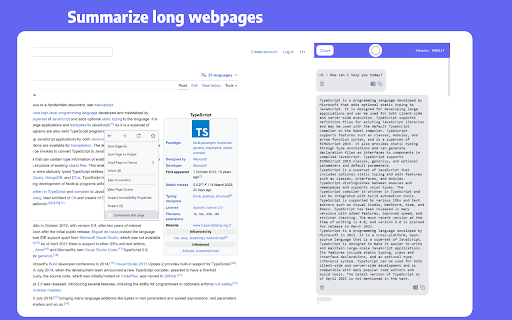
⭐Summarize long webpages without any limit to its size.
⭐ Write emails for Gmail and Outlook or summarize your mailbox.
⭐ Summarize Wikipedia pages.
⭐ Get answers with faster response times.
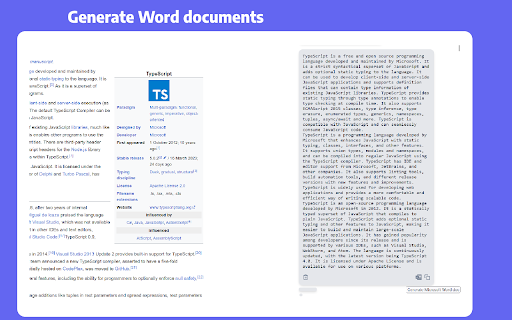
⭐ Download the response as a Word document.
⭐ Translate highlighted text.
- Write tweets for twitter.
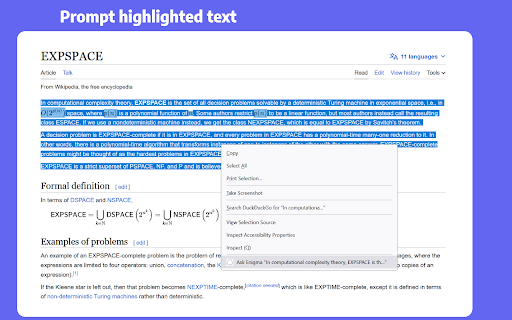
- Query highlighted text from any website.
- Keep chat context for each website separately.
- Easily write essays with ChatGPT and generate Word documents.
- Query highlighted text directly from the context menu.
- Access ChatGPT anywhere anytime, even when demand is high!
- Generate captions for Instagram.
- Write posts for social social media such as LinkedIn.
- Summarize Google, Bing, and DuckDuckGo results.
- Desktop application and VS Code extension will be available soon!
Add to Chrome
Quick Info
- Version
- 0.1.0
- Size
- 3.17MiB
- Price
- Free
- Type
- Extension
Categories
Languages
English (United States)