Wordle announcer
by jmi5.0
1 reviews
3
users
Published
September 2, 2022
Screenshots

Description
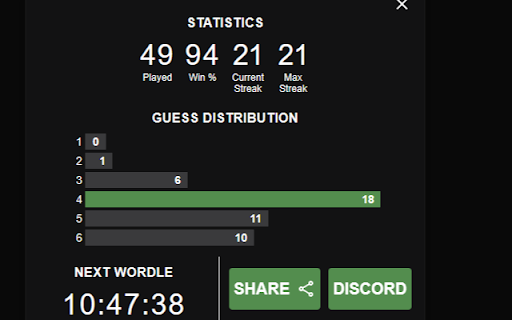
Adds a share to discord button to wordle.
Instructions:
1. Input desired username in top input field.
2. Input webhook url for discord channel into second field.
3. Confirm.
4. Reload Wordle Website if open.
Click Discord button on statistics screen after finishing a wordle game.