Notion Cover
by YuePlan Team5.0
1 reviews
27
users
Published
May 30, 2024
Screenshots

Description
# Features
- Unlimited generation and download.
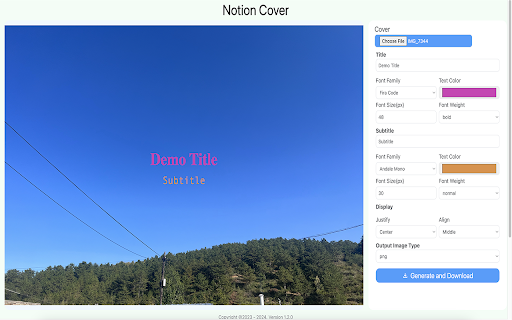
- Custom background image.
- Multiple fonts to choose from, custom font colors, custom font styles and sizes.
- Title and subtitle position customization.
- Export the synthesized image in “png/jpeg/webp” format to the local.
# How to use?
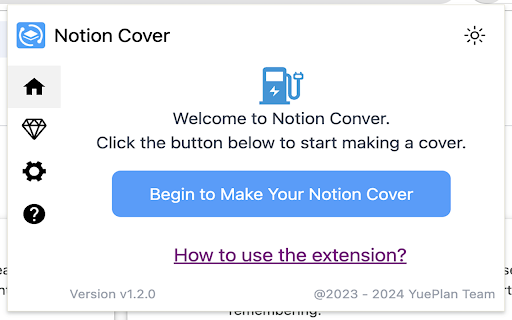
- Click on the Chrome extension app.
- Click ‘Begin to Make Your Notion Cover’ Button, open the ‘Make Your Notion Cover’ page.
- Select the background image, fill in the title and subheadings, and set relevant parameters.
- Click ‘Generate and Download’ button to download image.
# **Is it Free?**
Indeed, Notion Cover is available for free. You can access the basic features and choose to upgrade for more functionalities.
# **Data Privacy**
All data processing occurs locally on your computer, and it never traverses our servers.
# **Disclaimer**
Notion is a trademark owned by Notion Inc. Notion Cover has no affiliation, endorsement, sponsorship, or direct relation to Notion, Inc., its affiliates, or subsidiaries.
Add to Chrome
Quick Info
- Version
- 1.2.5
- Size
- 341KiB
- Price
- Free
- Type
- Extension
Categories
Languages
English (United States)