
WEBX Recordings Controls Automator
by Andrea Carpi5.0
91 reviews
2.0K
users
Published
August 28, 2025
Screenshots


Description
Huge thanks to Samuele de Ciechi for updating the Extension with the latest Webex's Upgrades in 2025!
DISCLAIMER:
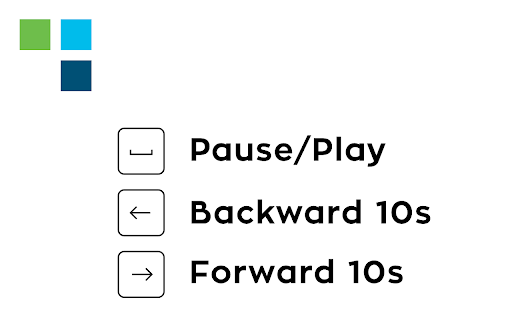
This extension allows you to use your keyboard inputs to pause/play your meeting recording, forward 10 seconds or backward 10 seconds using arrows. Use arrow up/arrow down to speed up/slow down the recording and press "f" to open the full-screen viewer. Press "c" to open/close the chat. Press "p" to open/close the participants panel.
Designed for Cisco Webex online recordings video player.
All trademarks belong to their respective owners
Add to Chrome
Quick Info
- Version
- 6.1
- Size
- 20.65KiB
- Price
- Free
- Type
- Extension
Categories
Languages
Englishitaliano