
Hide My Email for Gmail™
by Matt Thurmond (Digital Detox NYC)4.4
7 reviews
273
users
Published
January 5, 2023
Screenshots
Description
Now you can hide your emails in Gmail™ whenever you want so you can get in the flow and do more deep work.
## Overview
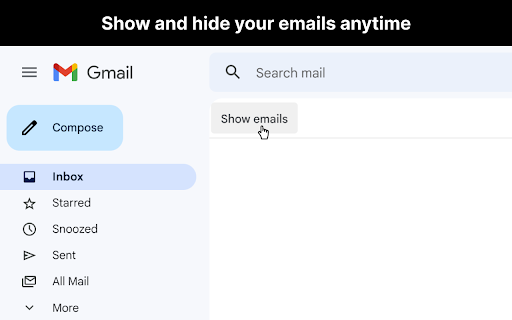
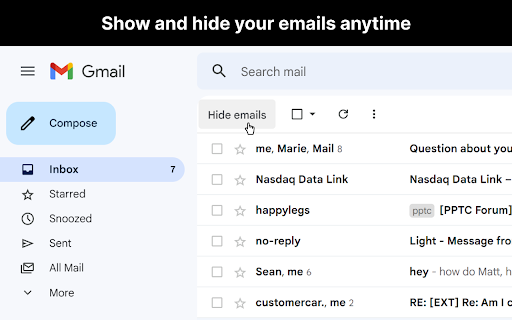
After you open Gmail™, click the "Hide emails" button to hide your messages. You'll still be able to search Gmail™ and use it as a reference, just without all your emails appearing and distracting you.
When you're ready to view your the emails in your inbox again, just click "Show emails".
This extension only works if you use the Gmail™ website on chrome. It doesn't work if you're using the Gmail™ desktop app.
## View the code
https://github.com/mthurmond/hide-my-email-for-gmail
## More helpful extensions
Try my other two extensions to remove distractions. Both are free & open source:
- Distraction free for Linkedin™: https://chrome.google.com/webstore/detail/distraction-free-for-link/kigfnbfbpfpgphbocdkmeablbgdbpfke
- Slack hider: https://chrome.google.com/webstore/detail/slack-hider/ojfkenmmieminleikclgocedgpggeecp