3D Bowling
by maxgames2.8
36 reviews
1.0K
users
Published
June 7, 2013
Screenshots



Description
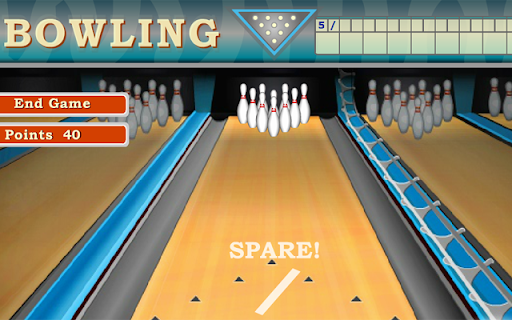
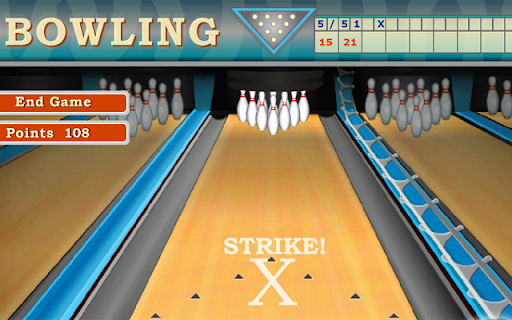
To place the bowling ball in the desired position, move the mouse to the left or right. Also, point the arrow with the mouse. This determines the direction in which the ball should roll. Click the left mouse key and a second red arrow apppears that moves toward the first arrow. When it reach the first arrow, stop this arrow by clicking the mouse. The bowling ball moes toward the pins.<br/><br/>Good luck!