Save Browsing Session
by hatzaviv3.4
11 reviews
1.0K
users
Published
May 7, 2022
Screenshots
Description
Save all your open tabs and restore them with one click!
Ever felt like it's taking too long for you to open all the tabs you need when you work? When you get home? When you want to watch your favorite series online?
Well no more!
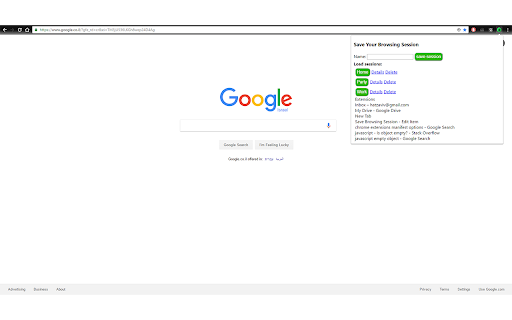
Now you can save your browsing session in one click and restore it whenever you want.
https://www.hatzaviv.com/save_session
How does it work (example for work):
1. Add the extension.
2. Open all the sites you need for when you work (Inbox, Google, Drive, Stack Overflow etc.).
3. Click on the extension icon.
4. Give it a name: "Work".
5. Click the Save button.
And that's it.
Whenever you go to work just click on the extension icon and reload your browsing session.
Enjoy.
https://www.hatzaviv.com/save_session
For Suggestions and feedback: [email protected] (Please no spam)