Tab manager
by Aliaksei KirpichenkaPublished
May 17, 2022
Screenshots
Description
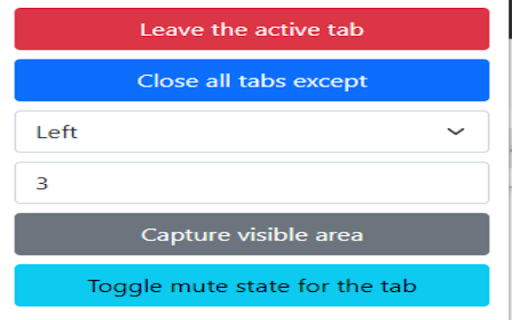
Following functionalities are available:
- closing all tabs, and leaving only an active one. This can be useful if you have nearly 20 tabs, but want to close them all
- closing all tabs, except a few from left or right. The difference between the previous one is that this option allows to specify amount of remaining tabs from right or left side.
- capturing visible area. By clicking this button you would get a screenshot of the visible part that can be saved (right click > save image).
- muting a tab. An active tab where you click this button will be muted, and you won't hear any voice. One may say: Chrome has the built in functionality for this (Mute site). True, although if you have 2 tabs with the same URL both of them will be muted; the extension allows to escape it.