Flyff Universe - Screenshots
by davidgaroro10
users
Published
October 25, 2024
Screenshots
Description
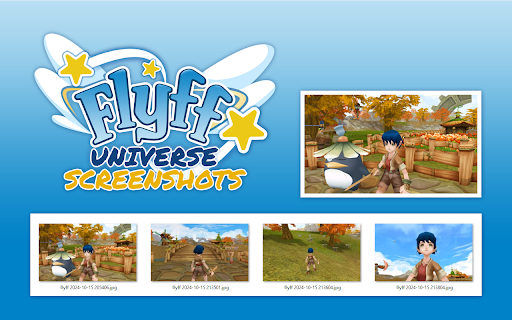
Unofficial browser extension to take screenshots in Flyff Universe and save them automatically.
HOW IT WORKS:
1. Open "universe.flyff.com/play"
2. There are two ways to take screenshots:
- Click on the "extension icon" in the browser toolbar.
- Use the keyboard shortcut "Ctrl+Shift+F".
3. The screenshots will be automatically saved in the folder:
<Downloads folder>\Flyff Universe - Screenshots
OPTIONS:
You can change the quality of the screenshots and the keyboard shortcut of the extension.
SOURCE CODE:
https://github.com/davidgaroro/flyff-universe-screenshots
DONATION:
https://www.paypal.com/donate?hosted_button_id=T7CVYXY994KHJ
LEGAL:
This project is not endorsed by Gala Lab Corp.
Add to Chrome
Quick Info
- Version
- 1.0.0
- Size
- 27.88KiB
- Price
- Free
- Type
- Extension
Categories
Languages
DeutschEnglishespañolfrançais日本語