Autohomework
by Autohomework5.0
3 reviews
82
users
Published
December 13, 2024
Screenshots



Description
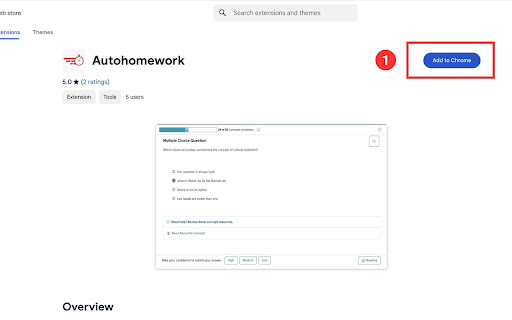
1. Add to Chrome extension on your pc
2. Go to your assignment page (currently only Mc Grow Hill is supported)
3. Press the extension button in the top right of Chrome
4. Log in and Start
・This is a beta version and requires a Google login to use.
Under development, but only mheducation's text can be answered.
Supports single choice, multiple choice, True or False, blank.
Other is not currently possible.
Free to work 80 quiz per month.
If you want more, you can pay.
※There is a cancellation link located in the footer at the very bottom of our homepage (https://www.autohomework.io/).
Add to Chrome
Quick Info
- Version
- 1.4
- Size
- 20.63KiB
- Price
- Free
- Type
- Extension
Categories
Languages
English (United States)