Canvas+
by Canvas+3.9
34 reviews
70.0K
users
Published
February 26, 2024
Screenshots



Description
Canvas+ is a free Chrome Browser extension that improves the experience of students using Canvas. Everything you could need, from color themes, to navigation shortcuts, to improved performance.
The extension has an easy-to-use settings menu, and all of our features are toggle-able.
You have a full suite of appearance settings, including dark and dim mode, custom link colors, and custom sidebar colors and layouts.
Quick Inbox opens a popup on the left side of the page, allowing you to check previews of your emails without reloading the page and possibly losing what you were working on.
If enabled, the Speed Boost feature will preload links while you're idling, resulting in much faster loading speeds of 2x or 4x on struggling connections.
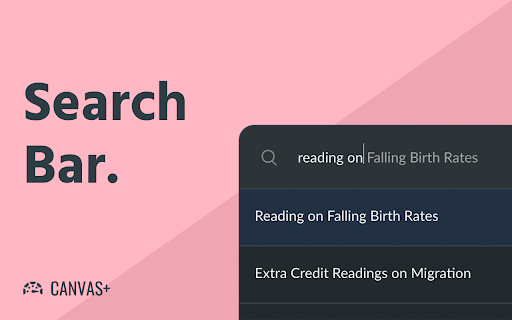
A feature to improve navigation is the search box. The search box can be enabled with Control+K (Command+K on Mac) or with a sidebar button and allows you to search all of your courses for pages and module items.
Rounder Modules does just as the name says, it makes canvas modules rounder.
If the "Smart Scrolling" setting is enabled, you'll see "Scroll to Bottom" and "Back to Top" buttons on pages, discussions, and modules/assignment lists.
This can greatly speed up navigating a course with hundreds of modules.
You can see more features that are being worked on at https://github.com/canvasplus/extension . This project is open source.
The website for Canvas+ is currently https://canvasplus.org/ . This website serves as a hub for FAQ and announcements.