
Browser Status Dashboard
5.0
1 reviews
17
users
Published
October 4, 2024
Screenshots


Description
The Browser Status Extension provides users with real-time insights into their browser's performance and network conditions, enhancing your browsing experience. With an intuitive interface and essential metrics at your fingertips, you can monitor everything from your connection type to battery status, all in one place.
Key Features:
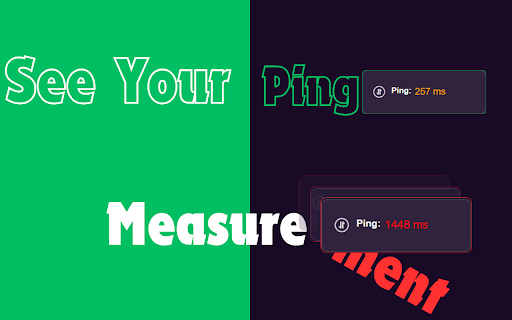
Ping Measurement: Instantly view the latency of your internet connection with live ping updates. Understand how your network quality affects your browsing experience.
Memory Usage Monitoring: Keep track of your browser’s memory consumption in real-time. Stay informed about how much memory is being used and optimize your browsing for better performance.
Open Tabs Count: Easily see how many tabs you have open at any moment, helping you manage your workflow and prevent overload.
Network Quality Display: Get live updates on your network Quality.
Battery Status Indicator: Know your battery level and charging status in real time. Perfect for users on the go, this feature helps you monitor your device's power.
User-Friendly Interface: Designed for simplicity and ease of use, the extension offers a clean layout that fits seamlessly into your browsing experience.