Translation Extension
by sarajalilvand835.0
4 reviews
24
users
Published
July 23, 2024
Screenshots
Description
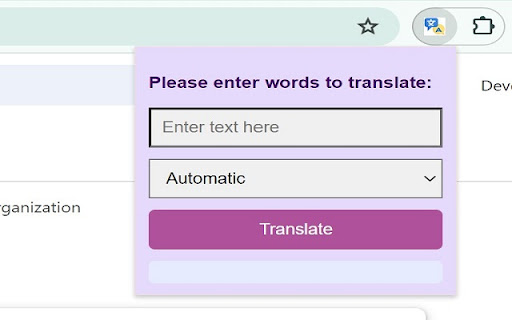
Type or paste a word or phrase inside the extension box and select a language and press the "Translate" button. Then you can see the translation in the bottom part of the extension pop-up box. Remember that the default translation language is set to English.