Google Navigation
by veringsek34
users
Published
August 16, 2022
Screenshots
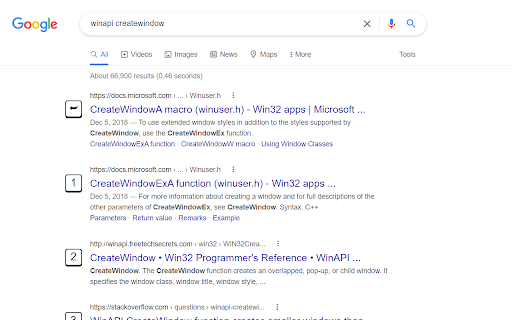
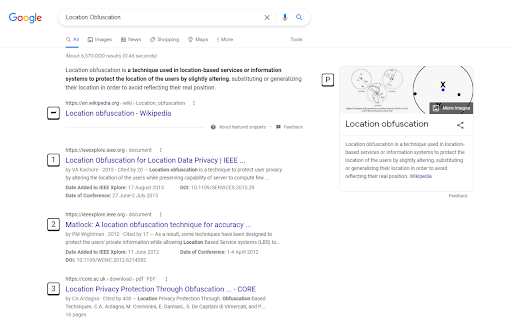
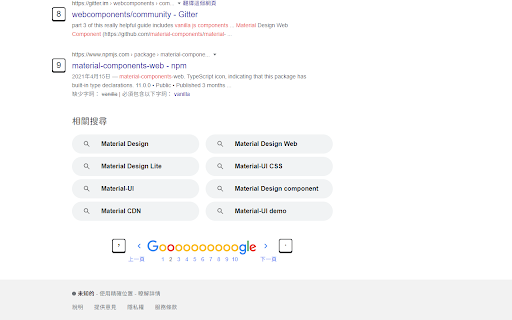
Description
Navigate through Google Search with a set of hotkeys.
For general search results, use 0 to 9. The first will be assigned with ⮨ Enter key when no element is focused.
Press . for next page; , for previous page.
P for Wikipeida widget on the right hand if available.
T to get focus to the translator widget or calculator widget.
When CTRL is pressed, an icon will show up in press-down status, after that, all links will be opened in new tab, until this mode is deactivated by pressing CTRL again.