YouFocus - Hide YouTube Distractions
by FreoLeo4.8
41 reviews
5.0K
users
Published
June 3, 2025
Screenshots


Description
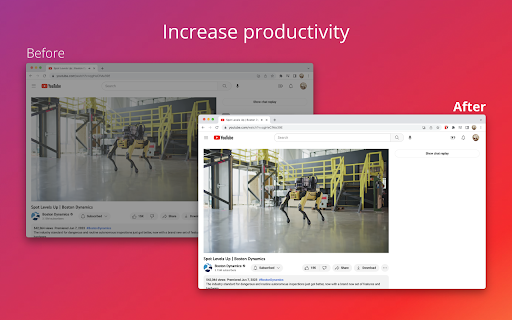
YouFocus hides distracting content on YouTube with just one click. Whether you're watching YouTube for educational content or just for entertainment purposes, there is no reason to get sucked into videos that you did not originally intend to watch.
70% of all videos watched on YouTube are those recommended to the user, not searched. With YouFocus, you can beat the YouTube algorithm and watch what YOU want to watch, not what YouTube is recommending.
YouFocus has a customizable experience. You can select which elements of YouTube you want to hide and which elements you want to see. The extension also has a schedule feature, allowing you block distractions during select hours.
YouFocus has intuitive, easy to use controls. Additionally, the state of your extension is synced with your google account, allowing you to use the extension on multiple computers at once.
Privacy is very important. YouFocus does not have access to your browsing history. YouFocus is open source! View the code on GitHub: https://github.com/leo3friedman/you-focus
YouFocus creates a more productive YouTube experience by:
- Hiding Recommended Homepage Videos
- Hiding Related Sidebar Videos
- Hiding Endwall Videos
- Hiding comments
- Disabling Trending Mode
- Disabling Subscription Mode
- Blocking Banner Ads
- Disabling Autoplay
- Hide Left Sidebar
- Run on Schedule Feature
- Hide Shorts
** Updates **
- 5/30/25, added hide shorts, hide left sidebar