
Google Docs Image Zoom
by younesbarraddev4.7
37 reviews
8.0K
users
Published
January 21, 2025
Screenshots



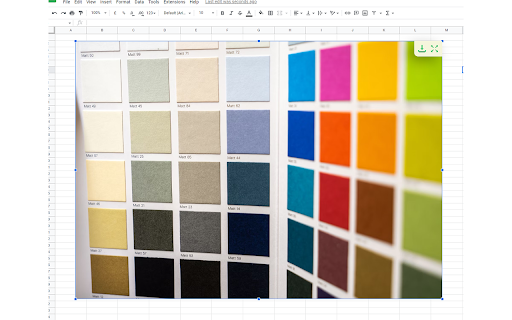
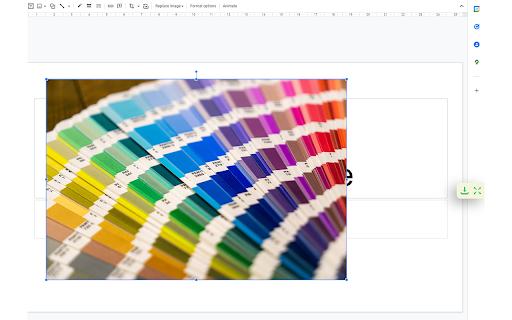
Description
Preview, download images from Google Docs
Docs Image Zoom is a chrome extension that enables image zoom/downloads in Google Products such as Docs/Spreadsheets/Slides.
Features:
✅ Supports Docs/Sheets/Slides!
🙏 Free
🖼️ Rotate/Zoom In-Out Preview
Instruction:
In the opened document, click the image you want to zoom. You will see the zoom icon in the right top corner of the image. Click it. The popup with the zoomed image will appear. To close the zoomed image popup, simply click outside of the zoomed image popup or click the close icon in the right top corner of the zoomed image popup.
Disclaimer:
The developer of this extension owns no rights or related in any way to the "Google Docs" software and related trademarks. This extension is not endorsed by any legal entities owning the rights to the "Google Docs" software and related trademarks. Use this extension at your own risk and discretion.