Video PiP Pro
by Atul Ankit Prakash1
users
Published
September 2, 2025
Screenshots


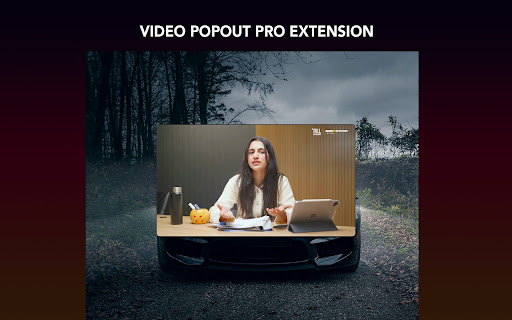
Description
Video PiP Pro (Ctrl+Z) - Enhanced Picture-in-Picture Extension
Video PiP Pro (Ctrl+Z) is a powerful browser extension that transforms your video watching experience with advanced Picture-in-Picture (PiP) functionality. It allows you to pop out videos from any website into a dedicated floating window with enhanced controls and customization options.
Key Features
🎬 Popout Video Window
Extract videos from any website into a standalone floating window
Maintain video playback while browsing other content
Resizable window to customize your viewing experience
⌨️ Keyboard Shortcuts (Ctrl+Z)
Ctrl+Z (Cmd+Z on Mac): Instantly toggle Picture-in-Picture mode for the current video
Space: Play/Pause video playback
Arrow Left/Right: Skip backward/forward 10 seconds
Arrow Up/Down: Adjust volume levels
F Key: Toggle fullscreen mode
S Key: Take screenshot of current video frame
🎛️ Enhanced Controls
Playback speed adjustment (0.25x to 3x)
Volume control with boost capability
Video filters (brightness, contrast, saturation, grayscale, invert)
Screenshot capture functionality
Customizable themes (dark/light/auto)
How to Use
Navigate to any website with video content
Click the extension icon or press Ctrl+Z to activate PiP mode
Use the floating control panel or keyboard shortcuts to manage playback
Resize the window or move it anywhere on your screen