WorkSpacer
by abhay.kadambi5.0
1 reviews
7
users
Published
December 20, 2022
Screenshots


Description
Organize tabs you frequently use together into workspaces then open all the tabs in a workspace simultaneously with the click of a button!
Instructions:
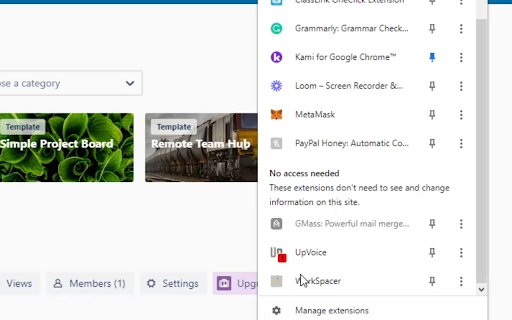
1.) Go to your extensions list.
2.) Click Workspacer.
3.) Click 'Add a workspace'.
4.) Type in the name of your workspace, work for example, then list the urls of the websites you need for it. Leave a comma and a space between each url.
5.) Click 'Create Workspace'.
Congratulations, your done!
Now whenever you want to open those tabs. Just click the extension and click the name of your workspace, BAM, they're all open.