ExamView Student
by Turning Technologies, LLC3.0
2 reviews
90.0K
users
Published
September 18, 2018
Screenshots


Description
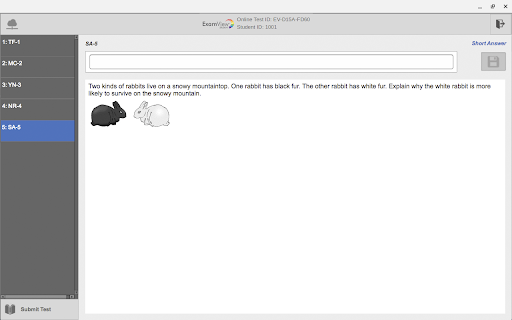
The ExamView Student app allows students to use their web-enabled mobile device or computer to respond to questions. Student responses are collected in ExamView Assessment Suite desktop software.
The ExamView Student app allows students to
- Access and respond to questions in an online test
- Join a polling session and engage in teacher-led questions and student-managed tests
The ExamView Student app allows teachers to
- Engage students with various question types including multiple choice, true/false, yes/no, multiple response, numeric response, completion, matching, and short answer
- Assess student understanding in real-time
- Engage students in teacher-led and student-managed polling sessions
The ExamView Student app works exclusively with ExamView Assessment Suite v11. The ExamView Student app also requires the installation of ExamView Assessment Suite v11 on the teacher’s desktop computer. Combined with ExamView Assessment Suite, teachers can ensure that content is resonating and objectives are met.
Add to Chrome
Quick Info
- Version
- 1.1.0.12
- Size
- 516KiB
- Price
- Free
- Type
- Extension
Languages
English (United States)