
TweetDeck Account Shortcuts
by Masaki Kobayashi4.0
1 reviews
205
users
Published
October 7, 2024
Screenshots


Description
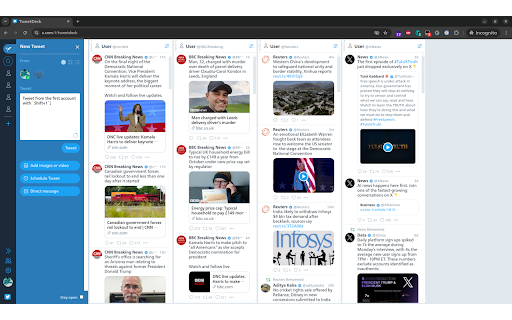
Add keyboard shortcuts to quickly select account to tweet/retweet from in TweetDeck.
Now works with OldTweetDeck!
https://github.com/dimdenGD/OldTweetDeck
"Shift + 1", "Shift + 2", ... "Shift + 0" are for 1st, 2nd, ...10th account.
When tweet panel is closed: Creates a new tweet with corresponding account.
When tweet panel is opened: Selects corresponding account.
Tips: "Alt+Enter" to quote in the retweet/quote modal, in addition to the native "Ctrl+Enter" for retweeting.
Tips: Since shortcut keys don't work when the input area is focused, you can hit "Escape" before the shortcut key, and then hit "n" for re-focus on the input area.