Quick Notes Pro
by Alberto F. Roda5.0
5 reviews
81
users
Published
December 29, 2022
Screenshots


Description
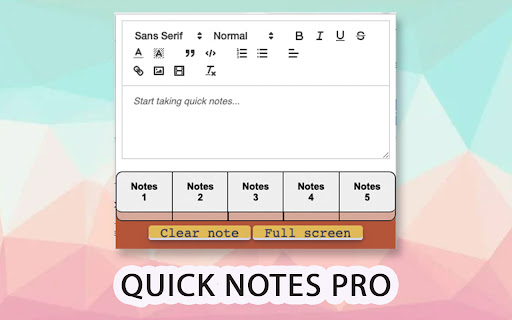
Take notes quickly and easily in your browser! Copy and save text with rich formatting, save images, videos, code with highlight formatting and much more!
New Version released!
-New Themes: Customize the extension as you like! Click the settings button in the upper right corner and select the theme you like best.
-New JSON formatter: Copy-paste your unformatted Json in the editor, click on the { } button and then you will get the Json formatted in code block with highlights!
-Rich text editor, copy and paste texts and keep the original format.
-Autosave.
-Multi tab with up to 5 notes simultaneously.
-Save images and videos.
-Privacy: All your data is saved in your computer, not in the cloud.
-Resizable window and full screen mode
-Save code blocks with highlight formatting with the most common languages.
-Clean and pretty interface.
-Easy and very useful.
-Toolbar with many options to format your texts