VRChat Jinnai
by Akitake5.0
1 reviews
333
users
Published
March 16, 2022
Screenshots
Description
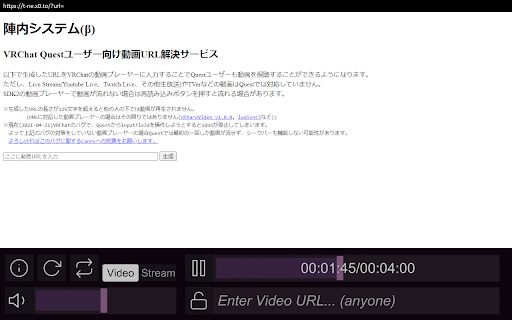
Uses T-NEX's work (@ckptkb on twitter) to get Quest 2 friendly YouTube links for most video players in VRChat.
1. Go to a YouTube video.
2. Click the extension's icon.
3. Go back to VRChat and paste your link in the video player.
And Quest 2 users should be able to see it!
However, videos such as Live Stream (Youtube Live, Twitch Live, and other live broadcasts) and TV are not supported by Quest.
If the video does not play in the SDK2 video player, it may play when you press the reload button.
Add to Chrome
Quick Info
- Version
- 0.0.0.2
- Size
- 8.23KiB
- Price
- Free
- Type
- Extension
Categories
Languages
English (United States)