Close All Tabs
by BrowserNative4.4
53 reviews
20.0K
users
Published
July 1, 2024
Screenshots



Description
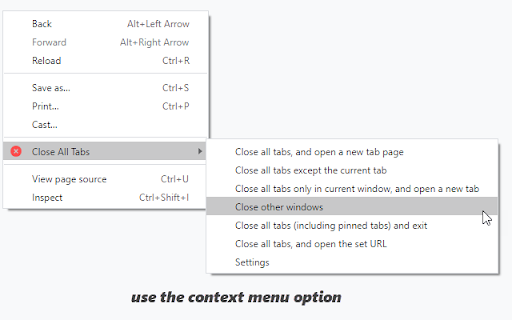
Use the toolbar button, keyboard command (alt + w) or the context menu options to quickly close open tabs. Several other options available.
Change the default setting for the toolbar button, and open a particular URL after closing all the tabs. Optionally close pinned tabs and incognito mode tabs.
Visit our homepage for detailed user guide: https://browsernative.com/close-all-tabs-extension/