FocusToScroll
by FocusToScroll dude5.0
1 reviews
4
users
Published
August 26, 2023
Screenshots
Description
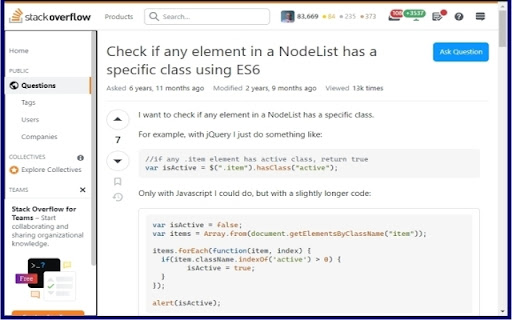
I like to use the keyboard and avoid touching the mouse whenever possible. One challenging situation is when I'm on a web page that has multiple scrollable elements, like my Facebook feed. When I press up or down in that situation, Chrome scrolls the entire page rather than the specific element I want to scroll. I can scroll that element by hovering over it with the mouse and using the scrollwheel, but I would like to avoid touching the mouse.
The FocusToScroll extension allows focusing on scrollable elements in the page using the keyboard. Use Ctrl-Alt-S to cycle through scrollable elements. Then press the up and down arrows to scroll (or right and left if you caught a rare horizontal scrolling element.)
Add to Chrome
Quick Info
- Version
- 1.0
- Size
- 68.82KiB
- Price
- Free
- Type
- Extension
Categories
Languages
English (United States)