blurry
by David4.5
2 reviews
174
users
Published
January 9, 2022
Screenshots

Description
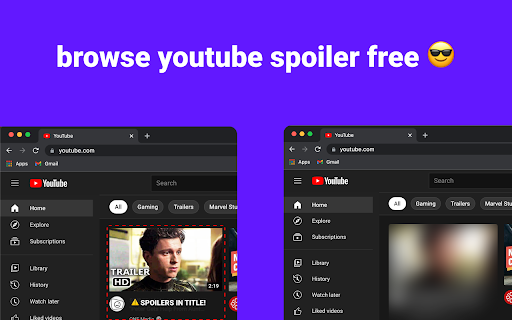
Write up a list of spoiler-related words like movie titles, characters, or channel names, and start browsing YouTube spoiler free!
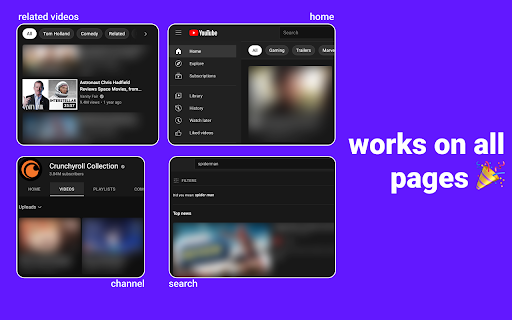
How it works: Manage a list of spoilers in the extension's popup, and any video containing a spoiler in the title or channel name will be blurred out. YouTube's UI remains exactly the same (video grids and lists look the same as before).
Features:
- ✍ Editing, deleting, adding, sorting, and searching your spoilers are all supported in the popup for easy management
- 🙅 Videos containing spoilers are blurred out
- 👀 Hover over a blurred video for a few seconds to peek at the content
This extension isn't limited to blocking spoilers though, use it to block any unwanted content!
Add to Chrome
Quick Info
- Version
- 1.0.0
- Size
- 150KiB
- Price
- Free
- Type
- Extension
Categories
Languages
English (United States)