Image Pin
by marius.valasevicius2.3
3 reviews
187
users
Published
December 11, 2022
Screenshots

Description
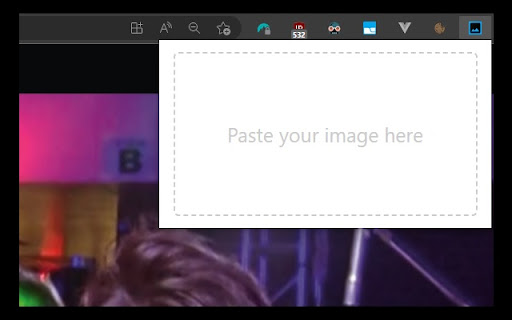
Image Pin allows you to place images over the website you're currently browsing. You can drag, resize and clear the image.
How to use:
- make a screenshot using in-build application in your Operating System or copy and image
- click on Image Pin browser extension icon
- paste your image (Ctrl + V on Windows, Command + V on Mac)
Feature set is currently limited, contact me if you find this useful and would like to see more features. Cheers!