PeepingOne
5.0
1 reviews
4
users
Published
March 24, 2022
Screenshots
Description
Instructions
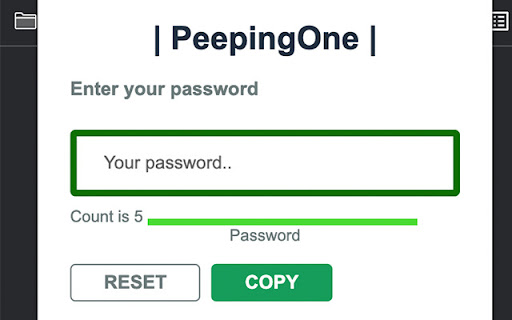
1. You may insert the given password in the input field.
2. You might see the input field color is changed.
-- If it is green and the field label says Password, then type your password characters one by one.
-- When the field color changed into red and the label says Garbage, type some random garbage characters
3. Click copy button to copy your actual password.
4. Enjoy!