
Jira Issue Copy Helper
by emreinal5.0
6 reviews
304
users
Published
November 16, 2023
Screenshots

Description
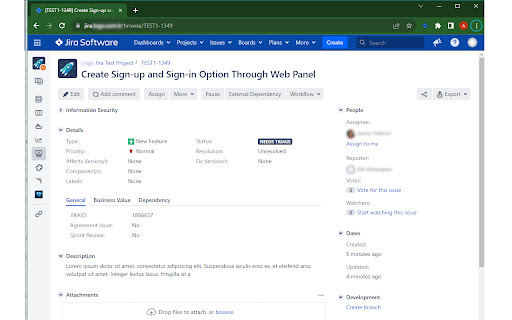
The Jira Issue Copy Helper is a Chrome extension tailored for Jira users. It simplifies your workflow by allowing you to effortlessly copy the title and URL of a Jira issue. Whether you're managing tasks, sharing information with your team, or organizing your work, this extension is a valuable addition to your toolkit.
Key Features:
- One-click copy: Easily copy the title and URL of the current Jira issue to your clipboard.
- Productivity booster: Streamline your work in Jira by eliminating manual copying and pasting.
- Jira-friendly: Designed for Jira users, this extension enhances your experience on the platform.
How to Use:
1. Install the extension from the Chrome Web Store.
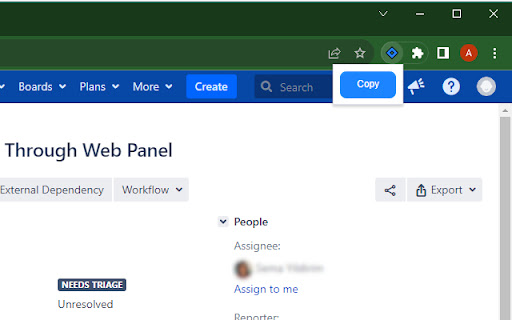
2. Pin the extension to your Chrome extension bar.
3. Navigate to a Jira issue that you want to copy.
3. Click the extension icon in your browser to copy the issue's title and URL to your clipboard.
Privacy and Security:
The Jira Issue Copy Helper extension prioritizes your privacy. It accesses data from the current tab only and does not store any information. Your data remains secure.