
Super Highlighter
by extfun4.0
20 reviews
4.0K
users
Published
May 23, 2024
Screenshots
Description
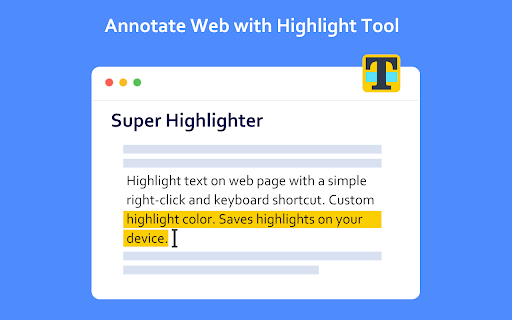
Highlight text on websites with a simple right-click or keyboard shortcut. Saves highlights on your device.
Easiest way to highlight text on any webpage! Simply select text, then right click it to select the "Highlight" option. Alternatively, use the default keyboard shortcut 'Alt+H'.
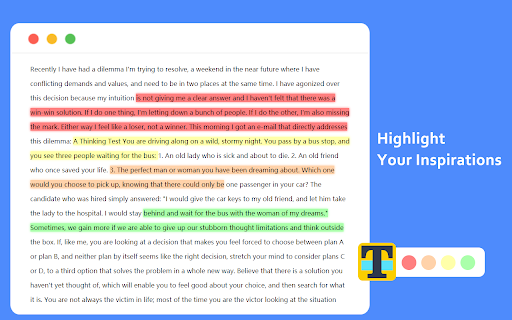
You can customize the colors of the highlighter, and you can switch these colors through shortcut keys.
You can customize shortcut keys and use all functions without mouse.
All highlighted texts are saved so that your highlights are not lost when exiting a page! Simply re-opening that page will bring back all the highlights.
Add to Chrome
Quick Info
- Version
- 1.2.2
- Size
- 93.35KiB
- Price
- Free
- Type
- Extension
Categories
Languages
English中文(中国)