TaggingNotes
by FAR/RAKUDA37
users
Published
May 17, 2024
Screenshots


Description
This extension adds notes managed by tagging without Hierarchized tree to sidebar.
= Features
* Manages data by tagging
* Shown in sidebar
* Imports notes from Vivaldi
* Imports notes from Presto Opera
* Backup and Restore data
* Copy to notes by context menu of page
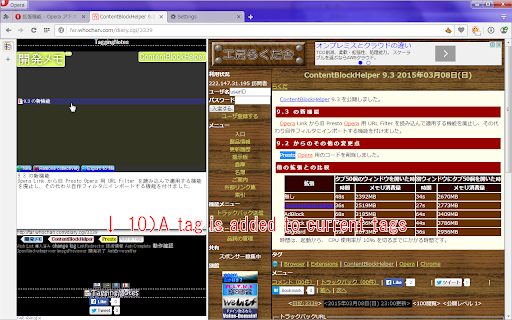
* Add tag by context menu of page
= Usage
# Write anything to textarea of panel or copy to notes by context menu on selected text of page.
# Add tags by input to bottom of textarea or context menu on selected text of page.
# Click tags on top of panel to search notes, click again it to unchecked.
# If you don't check any tags, then all notes are shown.
# Click any note shown to edit it.
# Click add here to create a new note tagged by selected tags on top of panel.
# You can delete a note/tag by context menu or delete key on it.
# Deleted note is tagged as "Trash", and delete it again, then it will be deleted completely.