

Picsee - collect and organize image
3.0
2 reviews
1.0K
users
Published
March 11, 2022
Screenshots


Description
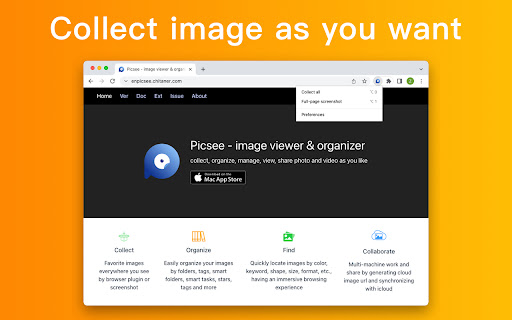
Save web page images as you want to Picsee.
#1. Drag & Drop
Drag & drop the image you see on web page to collect and save to Picsee App.
#2. Shortcut key
Move mouse hover on the image you see on web page pressing "option + 2" to collect and save to Picsee App.
#3. Batch-saving
After filter with image dimension, save all images oon the web page, avoid to collect and save one by one.
#4. Full-page screenshot
Auto scroll to screenshot entire web page as a long image to collect and save to Picsee App.
Browser Extension must used with Picsee App, please install it on your macOS firstly.
---------------------------------------------------------------------------------
It supports to collect and save images on most web page, including Pinterest, Behance, Dribble, Artstation, 500px etc.
We will continue to optimize collecting and saving images, you can email to tell us your idea, [email protected]
---------------------------------------------------------------------------------
Your privacy is very important to us, this extension don't collect any personal information, for more detailed privacy terms, please check: https://picsee.chitaner.com/blog/privacy.html


