GoEN Sudoku Shortcuts
by GoEN4.8
5 reviews
2.0K
users
Published
February 20, 2025
Screenshots
Description
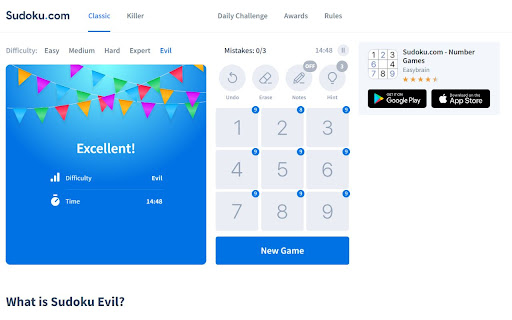
Play Sudoku easier and faster with your keyboard! Could Sudoku.com become the best Sudoku website with keyboard shortcuts for pencil marks?
Shortcuts:
- Hold Shift and press number keys: to place a number as a pencil note (use Shift shortcut for pencil marks)
- Key ` (the key is on the left of key number 1): to toggle pencil marks on and off
- Arrow keys (↑ ↓ → ←): to move the current cursor (active cell).
- Number keys (1 to 9): to place a number. (use Alt shortcut for Digits mode)
- Key - (underscore): to Undo (also use Ctrl + Z)
- Key = (equal): to display Hint
- Key Backspace: to clear (Erease)
- Key X: turn on pencil marks (Notes mode)
- Key C: turn off pencil marks (Digits mode)
What’s New:
- [v1.0.5] Support Numpad
- [v1.0.6] Improve UX of pencil marks, add game tips.
Sponsor: Your support keeps us going and makes a difference.
- Support GoEN on Ko-fi: https://ko-fi.com/goenlab
- Support GoEN on Patreon: https://patreon.com/goenlab
Add to Chrome
Quick Info
- Version
- 1.0.6
- Size
- 27.87KiB
- Price
- Free
- Type
- Extension
Categories
Languages
English (United States)