Hotkeys for Webflow
by marvin4.8
5 reviews
297
users
Published
May 23, 2025
Screenshots
Description
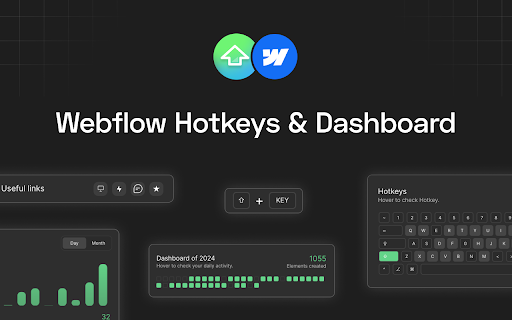
Hotkeys for Webflow offers two main functionalities.
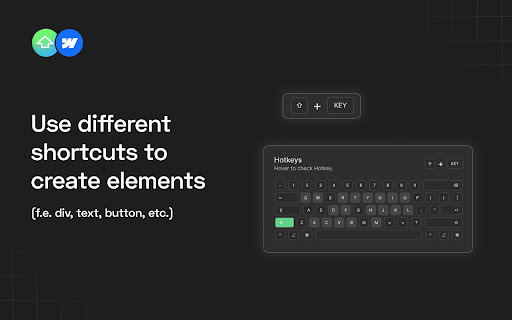
1. Adds shortcuts for your most commonly used elements, like Div, Button, Heading, etc.
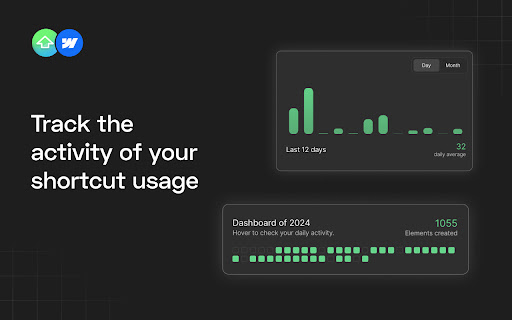
2. Your activity is visualized in the dashboard. When you create elements using shortcuts provided by this extension, your actions are recorded and contribute to your activity metrics.
Here is a small overview of the most commonly used shortcuts:
SHIFT + 'D': Insert a Div Block
SHIFT + 'B': Add a Button
SHIFT + 'U': Add a Paragraph (P is already used by Webflow)
SHIFT + 'C': Create a Collection List
SHIFT + 'T': Insert a Text Block
SHIFT + 'H': Add a Heading
SHIFT + 'I': Insert an Image
SHIFT + 'L': Add a Text Link
SHIFT + 'K': Create Rich Text
SHIFT + 'F': Insert a Form
SHIFT + 'Q': Add an HTML Embed
SHIFT + ':': (colon) Finsweet Custom Code