Navigation Confirmation
by Daniel Herr2.9
11 reviews
196
users
Published
March 16, 2025
Screenshots
Description
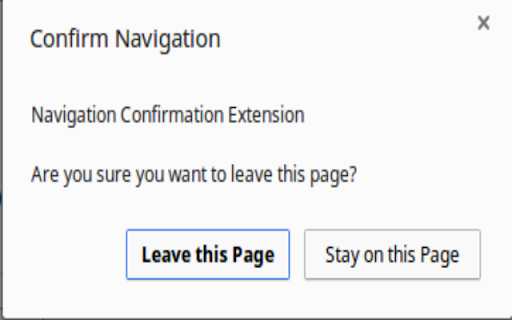
Click the icon to create a popup when you attempt to navigate to another page or reload the current one. The check mark indicates that you will be asked confirmation on the current tab. The red x indicates that you will not be asked to confirm leaving the page. Click the icon to toggle on and off. There is also an option to confirm when closing the window.