Canonical Url Open
by ムーンドルド/瑠川菜月4.0
4 reviews
431
users
Published
January 16, 2025
Screenshots


Description
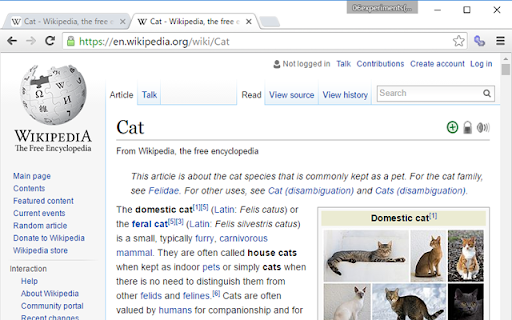
A push on a button will open Web page URL for full browsers (for personal computers) with a new tab.
-------------------------------------
As internal specification, it tries to open a new tab by the following methods.
(1)canonical Page (canonical)
URL to which priority is given in the Web page of two or more same contents is specified.
It operates, only when the sauce of a Web page has the following specification.
Example:<link rel="canonical" href="http://www.????.com/index.html">
(2)Open Graph Protocol Url (OGC)
Legitimate URL of the Web page is specified.
It operates, only when the sauce of a Web page has the following specification.
Example:<meta property="og:url" content="http://www.????.com/index.html">
(3)Twitter Card
Legitimate URL of the Web page is specified.
It operates, only when the sauce of a Web page has the following specification.
Example:<meta name="twitter:url" content="http://www.????.jp/index.html">
(4)mixi (mixi check)
URL for PC of the mixi check is set up.
It operates, only when the sauce of a Web page has the following specification.
<input type="hidden" name="pc_url" value="http://www.????.com/index.html" />
(5)URL is corrected uniquely.
It is original from the present URL and corrects URL.
Example:https://????.com/smart/aaa.html → https://????.com/aaa.html
Example:http://m.????.com/aaa.html → http://www.????.com/aaa.html