Text Editor
by Sevina5.0
2 reviews
147
users
Published
December 1, 2019
Screenshots
Description
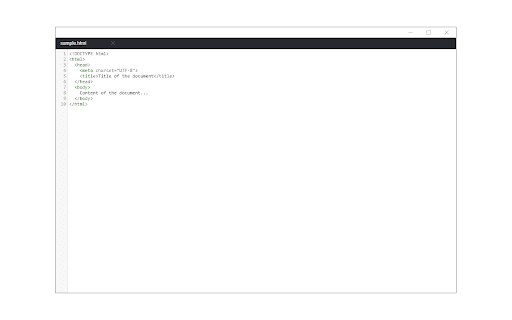
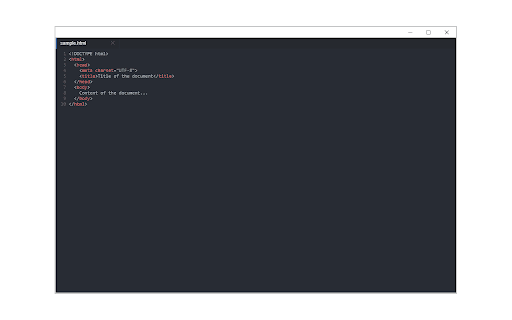
Text Editor is a full-featured text & code editor app for your browser.
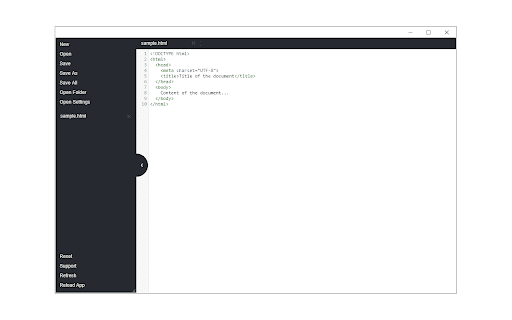
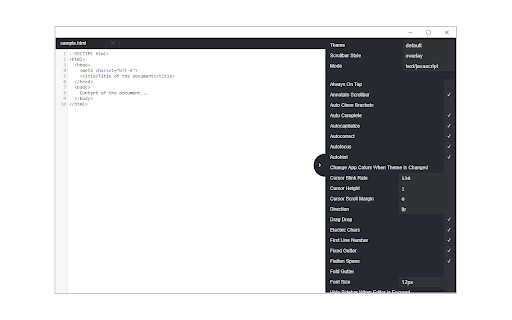
This app has plenty of options to adjust and is built on top of the famous CodeMirror open-source JavaScript library (https://codemirror.net/). Once you open the app for the first time, you will see a sidebar at the left and an empty text editor at the right. The left sidebar includes file I/O buttons. For example, a button to open file(s), folder or settings. There is also a right sidebar which includes all the options for this app.
Note: currently, Text Editor supports all the keyboard shortcuts for the Sublime text editor only. Moreover, it also supports more than 10 languages (i.e. JavaScript, CSS, HTML, etc.)
If you have a feature request or found a bug to report, please fill the bug report form in the add-on's homepage (https://mybrowseraddon.com/text-editor.html).