

Avery Easy Merge
by Avery Products Corporation5.0
1 reviews
8.0K
users
Published
August 14, 2018
Screenshots


Description
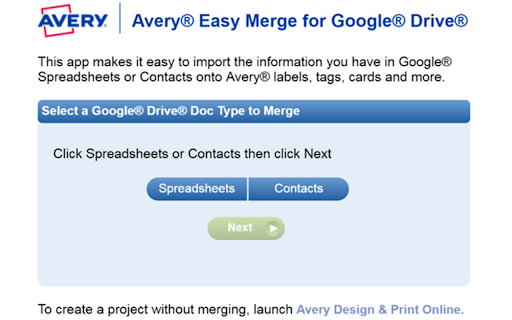
Avery Easy Merge allows you to easily import data from Google Sheets to print on Avery labels, cards, name tags and more. Your data is seamlessly moved into Avery Design & Print Online where you can personalize and print Avery products, such as address labels, shipping labels, name badges, tent cards and place cards.
It's easy to use:
*Follow the link "visit website" to launch the add-on
*Review and accept permissions (if first time)
*Click Spreadsheets or Contacts to get the data for printing
*Click format data then click Merge to Continue to Design & Print Online
*Select your Avery product and template
*Personalize and print
You will be able to use all the design tools including editing font styles, colors, images, shapes and more. Great for personalizing your business and holiday mailings; party and event invitations, announcements and favors; name badges and tent cards for meetings; place cards for weddings and celebrations; and classroom organization.
The web app depends on the following services and accounts: the services of avery.com Web site are necessary for label design. An account at avery.com is needed to store the merged project for future access. An internet connection is needed to access the web app and avery.com Web site.


