Mark Your Search
by yancoolayPublished
October 14, 2021
Screenshots
Description
Mark required text from the webpage and search via popular search engines!
Also you can copy the text and paste it wherever you wish.
Extension Usage:
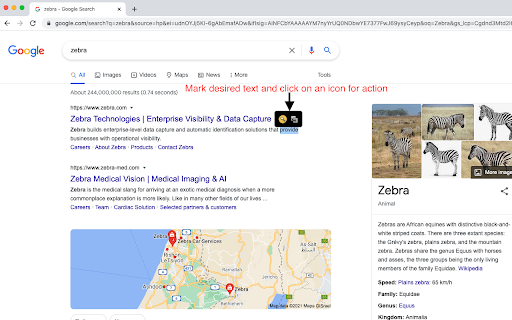
1. Mark desired text from any webpage and search through popular search engines.
2. Left click on any text will mark it --> Then a cool tooltip will appear and two options will pop: 1. A magnifying glass icon for the search 2. A "copy" icon for the copy function
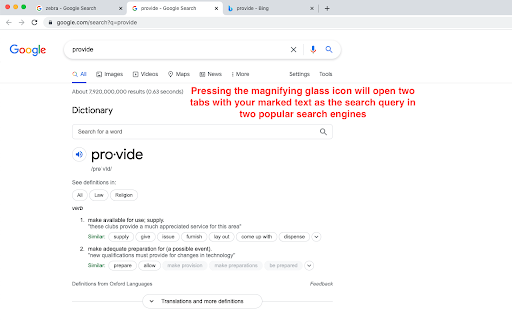
3. Using the magnifying glass will open two new tabs with the marked text as the query for the search.
Installing this extension might cause the following popup (indicating this extension can access your data on all websites) --> "Access your data on all websites."
Enjoy !