POS IP Camera
by Chris McLellen681
users
Published
February 1, 2022
Screenshots


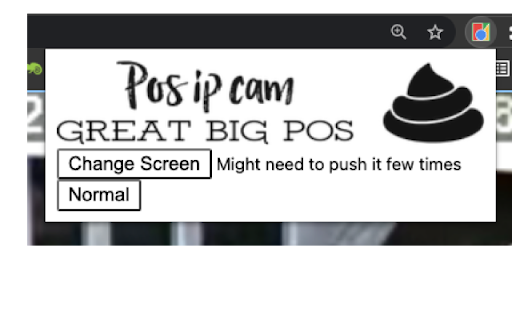

Description
PTZ KEYBOARD CONTROLS:
Z = ZoomIn
X = ZoomOut
Arrows = Up/Down/Left/Right
Click screen to center camera focus on that position.
__________________________________________________________________________________________
Why?
The embedded web server for most Chinese based Camera are pure sh*t.
And if you're on a Mac, you don't even have the option to install the sketchy flash plugin for Internet Explorer.
I've managed to use the javascript libraries from the camera to render video on a canvas, but it's all done over http and ws, unsecured.
Every time I try to make something that will allow other people to use it, I run into road blocks. CORS, HTTPS, WSS, AUTH....
So, I made a simple chrome extension.
It will:
- work while you're logged into the camera's embedded web server. (192.168.xxx.xxx)
- protect your privacy - won't ask for your credentials
- make the video full screen
- enables PTZ control via keyboard (<-- this is awesome)
- centers camera position where ever you click
Lots of additional functionality coming:
- Play h265 video directly from the device (<CAMERA_IP>/sd)
- SET/CALL commands
- Command macros, so you don't need to remember all the weird codes
- On screen PTZ controls, semi-transparent overlay
Also, if you just want a simple interface w/o this extension, try visiting your camera at <CAMERA_IP>/mobile.html
*PLEASE DON'T LEAVE BAD RATINGS. I'm offering this for free.
If it doesn't work for you, send me an email and maybe I can help you out.
Or just uninstall it and have a nice day!
[email protected]
Add to Chrome
Quick Info
- Version
- 0.0.0.1
- Size
- 24.98KiB
- Price
- Free
- Type
- Extension
Categories
Languages
English (United States)