Subturtle
by navidshad725.0
11 reviews
399
users
Published
November 26, 2025
Screenshots


Description
Learn English While You Stream
Stop switching between study apps and your favorite shows. Subturtle turns the time you already spend on platforms like YouTube and Netflix into an effortless language-learning experience. It transforms video subtitles into your personal learning companion, helping you understand real-life English in context—without ever opening a textbook.
Learning should fit your routine, not interrupt it.
How It Works
It's simple. Open a video on a supported platform, switch on the subtitles, and let your curiosity lead the way.
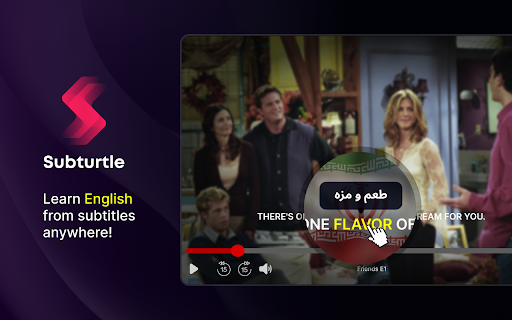
- For a single word: Just hover your mouse over it to see an instant translation and definition.
- For multiple words:
1. Press and hold Ctrl (on Windows) or ⌘ Command (on Mac).
2. Click and drag to select the phrase you want to understand.
3. The translation will appear right where you need it.
Your Learning Toolkit
Understand Instantly: Get quick translations for single words or entire phrases in your native language.
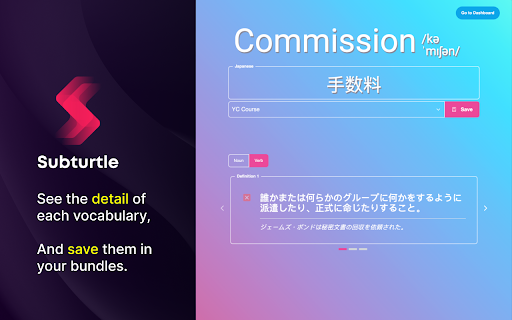
- Go Deeper: View detailed definitions and parts of speech without ever leaving your video.
- Build Your Library: See a word you want to remember? Save it to a custom bundle for later.
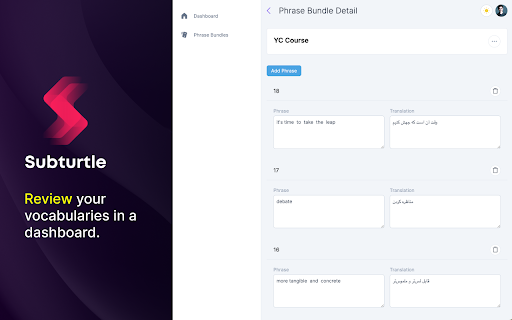
- Practice with Confidence: Head to your dashboard to review your saved vocabulary and chat with - - your AI Coach to master what you've learned.
Ready to turn captions into conversations? Add Subturtle and start learning English the natural way.