Windows Update
by Tyndale Hannan5.0
1 reviews
1.0K
users
Published
July 6, 2023
Screenshots


Description
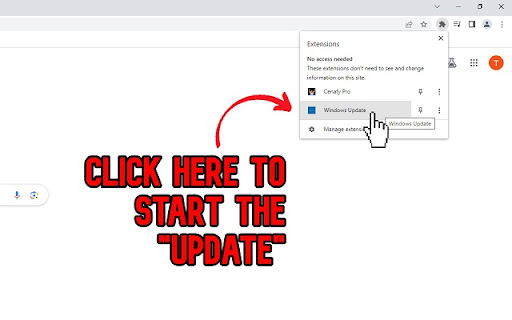
To Activate : Click on extensions icon in Chrome > Click on "Windows Update"
To Exit: Press the "F11" key OR... Move mouse to the top of the screen and click "X"
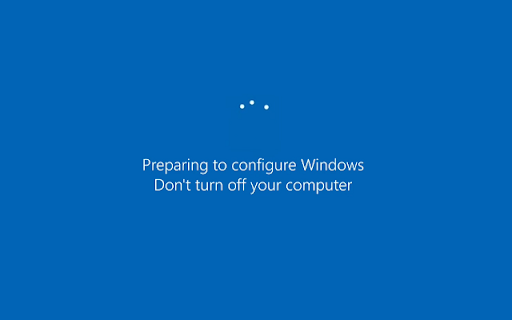
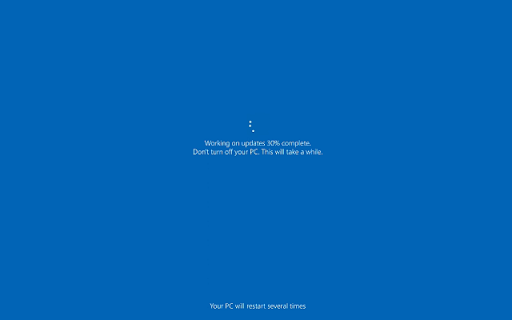
The "update" will play forever until you exit.
Enjoy!
If you like this extension, check out Cenafy for Chrome!
Add to Chrome
Quick Info
- Version
- 1.0
- Size
- 573KiB
- Price
- Free
- Type
- Extension
Categories
Languages
English (United States)