Save and Backup My Emails by cloudHQ
by cloudHQ4.8
34 reviews
3.0K
users
Published
November 27, 2025
Screenshots


Description
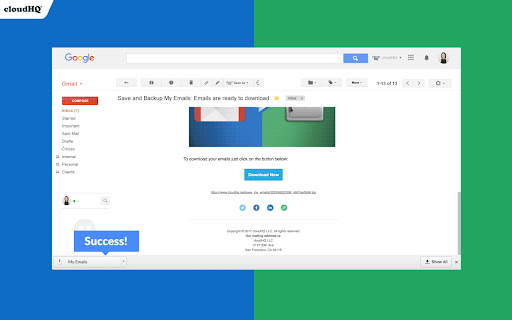
Backup all of your emails in just 3 simple steps, and feel more secure and in control in case:
- You leave your job
- You switch email hosting services and need a new account
- You upgrade to a Google Workspace email address instead of using a free “@gmail.com” email
- You got hacked and you cannot access your account any more
- You accidentally deleted emails
With this tool, you'll get all your emails, email threads, and any attachments in a PDF format that you can download to your hard drive or your USB key. You'll feel confident when your emails are literally in your hands.
cloudHQ. Helping professionals 1 click at a time.
cloudHQ website: https://www.cloudhq.net
Website: https://www.save-and-backup-my-emails.com/
Pricing: https://www.save-and-backup-my-emails.com/pricing
Support page: https://support.cloudhq.net
Support email: [email protected]
Blog: https://blog.cloudhq.net
Gmail and Google Workspace are trademarks of Google LLC. Use of these trademark is subject to Google Permissions.
cloudHQ is trademark of CloudHQ LLC. https://www.cloudhq.net/trademark