
YouTube Blacklist
by datakun1.3
3 reviews
287
users
Published
January 17, 2022
Screenshots


Description
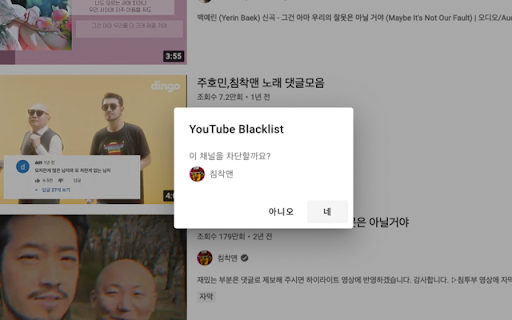
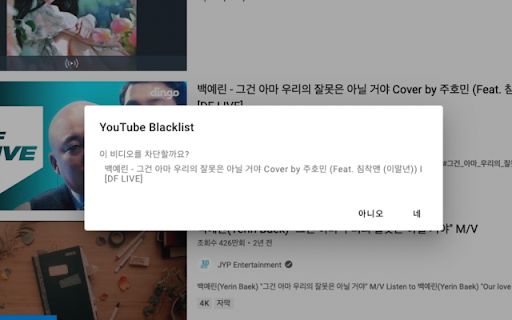
Hide specific channels or videos from YouTube search results.
In YouTube search results, you can hide a channel or video from the search results by clicking the menu icon to the right of the channel or video you don't want to see and then "Hide this channel" or "Hide this video" menu.
Hidden channels or videos can be viewed and removed from the options page of the extension.
Change Log:
- 0.3.0
- Options page improvements.
- 0.2.0
- Channels or videos registered on the blacklist are hidden from the YouTube main page.