Efficiency Split Screen
by autosubtitle.service3.7
3 reviews
238
users
Published
January 12, 2023
Screenshots

Description
Features:
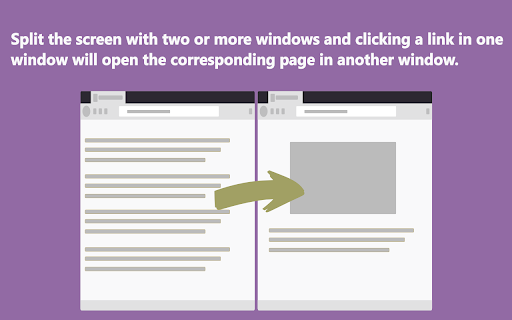
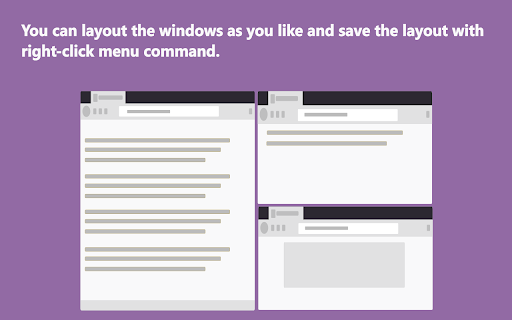
1. Split screen, display multiple windows on the screen at the same time.
2. Click a link in one window, the link will open in another window.
Advantage:
1. You don't have to leave the search page and wait for a new page to load.
2. You don‘t have to switch tabs or click the go back button.
3. You will not forget the original search purpose in the maze of links.
Operation:
Ctrl+Mouse Click --> Open link in next window [new tab]
Shift+Mouse Click--> Open link in next window current tab
Click the action icon to enable or disable functions of the extension.
Shortcut key:
default: Ctrl+Shift+A
mac: Command+Shift+A
---
This addons doesn't collect any user data.
---
Change list:
2.0.10
Add:
Ctrl+Mouse Click --> Open link in next window [new tab]
Shift+Mouse Click--> Open link in next window current tab
1.1.9
fix: This extension may have been corrupted.
1.1.4
Add: "Open link in next window current tab" in right-click menu.
Fix: There are no events, When a website uses history.pushState to change address.
1.0.3
Improve user experience
Fix: 'show all windows' leads to too many pop-up windows.
1.0.2
Features:
1. Add collect all tabs in context menu.
2. Add save all windows layout (You can specify the layout of windows yourself)
Fix:
1. Some of Amazon sites don't split screen automatically.