Source Manager
by Richard Jiang4.0
1 reviews
4
users
Published
July 19, 2023
Screenshots

Description
The perfect tool for people trying to store multiple sources for their project!
How to use:
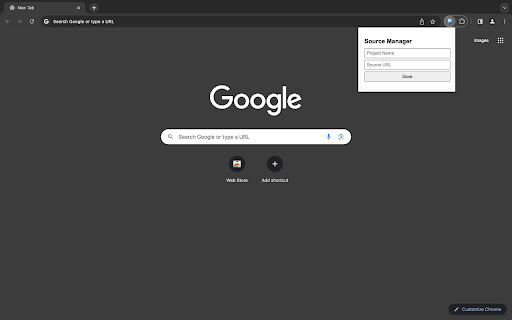
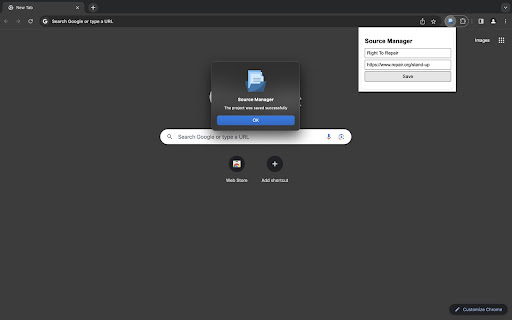
- Type the name and source of your project in the box
- Click the 'Save' button.
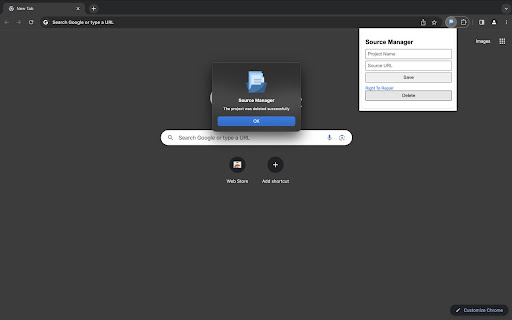
- To delete a project, simply click the 'Delete' button below the project's name.
Features:
1. Extend Your Battery Life!
Store all your sources in the extension to minimize processing!
2. Keep Clean!
Helps prevent you from opening so many tabs in the browser!
3. Stay Organized!
Manage all your resources with a single click of a button!
What's new in Source Manager:
• [v2023.7.19] You can see when was the extension updated by enabling the 'Developer mode' in "chrome://extensions/" page!
• [v2023.7.19] Simply code to put less tense on the CPU! It is always good for you to keep your software and apps updated!
• [v1.0] 1st Version!
Contact the email "[email protected]" for supports!