Slash to Search
by wuutae4.7
3 reviews
43
users
Published
December 3, 2023
Screenshots

Description
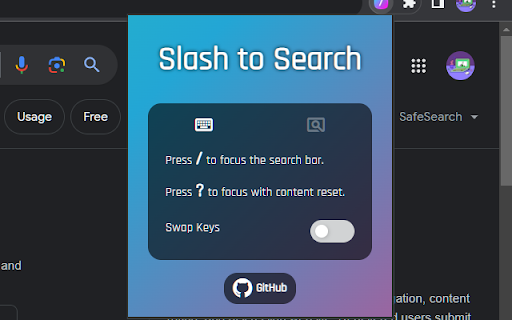
⚡ Focus Search Bar Automatically
- Press [ / ] to start typing in a search bar without clicking it with a mouse first.
- It automatically finds and focuses a search bar upon key press.
✨ Focus and Clear Content of Search Bar
- Press [ ? ] (shift + /) to focus a search bar and clear its content.
👆 Select Mode for Setting Search Bar Manually
- Use [ Select Mode ] on websites where the extension cannot find a search bar automatically.
- Search bar selected using the select mode will be the default for the site going forward.
🔁 Key Settings
- You can swap the function of [ / ] with [ ? ].