Reader View 2.0
by ed4.9
9 reviews
941
users
Published
January 23, 2023
Screenshots

Description
⬇️ Easy to set up ⬇️:
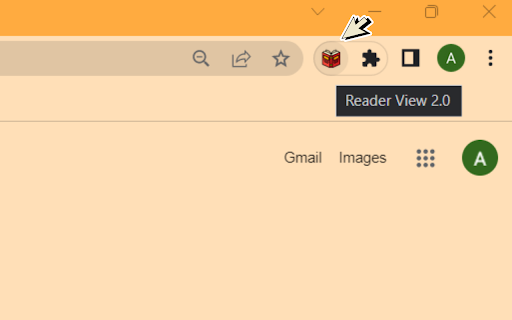
1. Install and pin 📌 the extension.
2. Click on the extension on any page to enter the reader's view of the page.
3. Or you can select any part of the page and click on the extension to enter into the reader view with only that reader.
✨ Features ✨
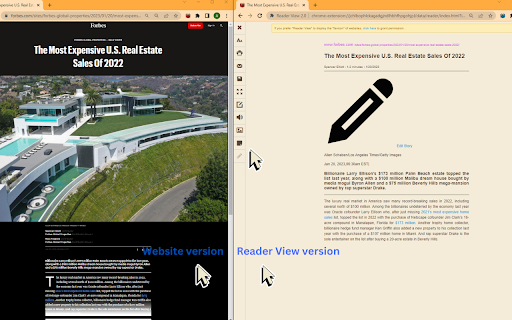
1. Fullscreen reader mode. 📖
2. Blocks 🚫 the ads and hides the additional links.
3. Adjusts the text size, formatting, navigation, and theme. 🔖
Enjoy your favorite articles without distractions and without having to exit your browser!